
Monal is a free, open-source XMPP chat app for iPhone and iPad. This guide walks you through everything: creating an account on Chatrix.One, setting up Monal, and sending your first message. Takes about 5 minutes.
Step 1 - Go to chatrix.one and start registration
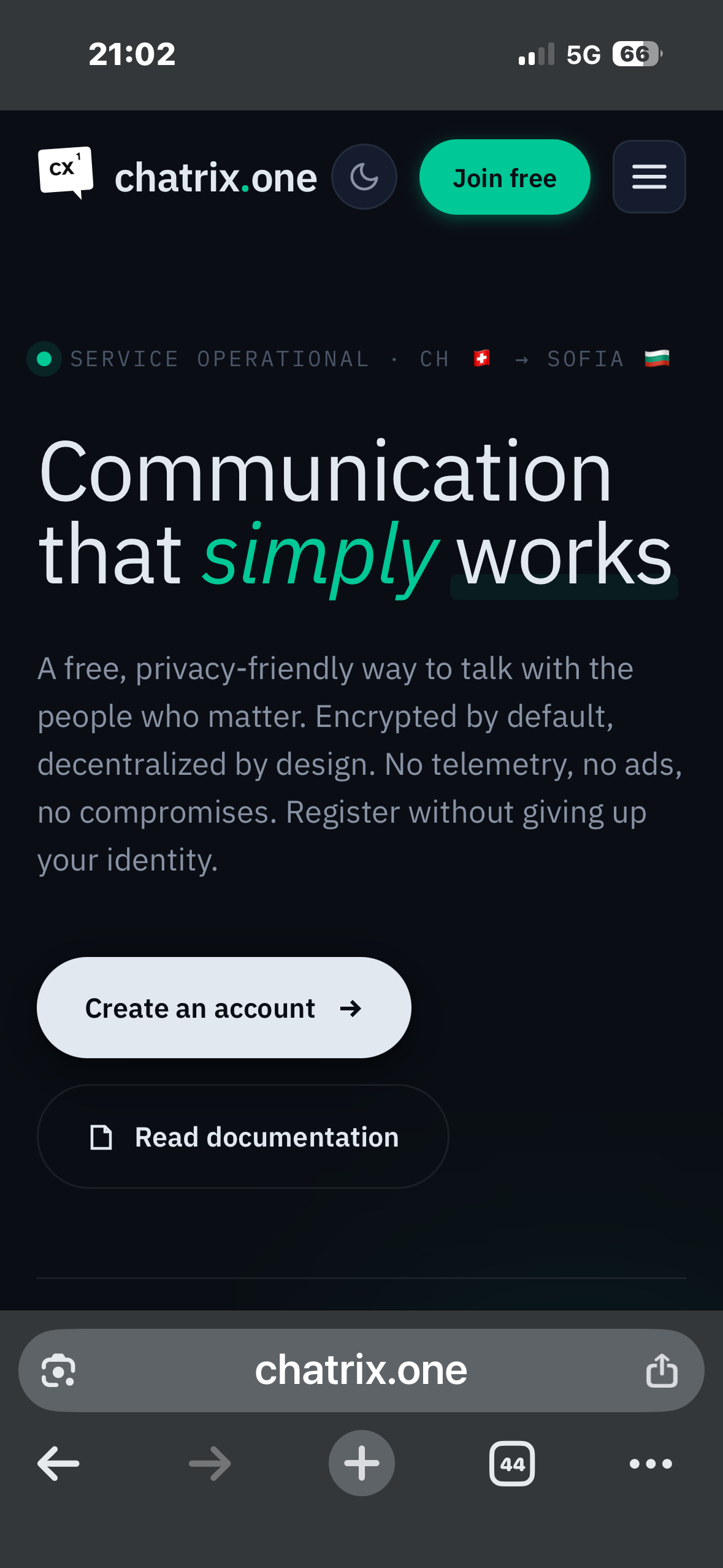
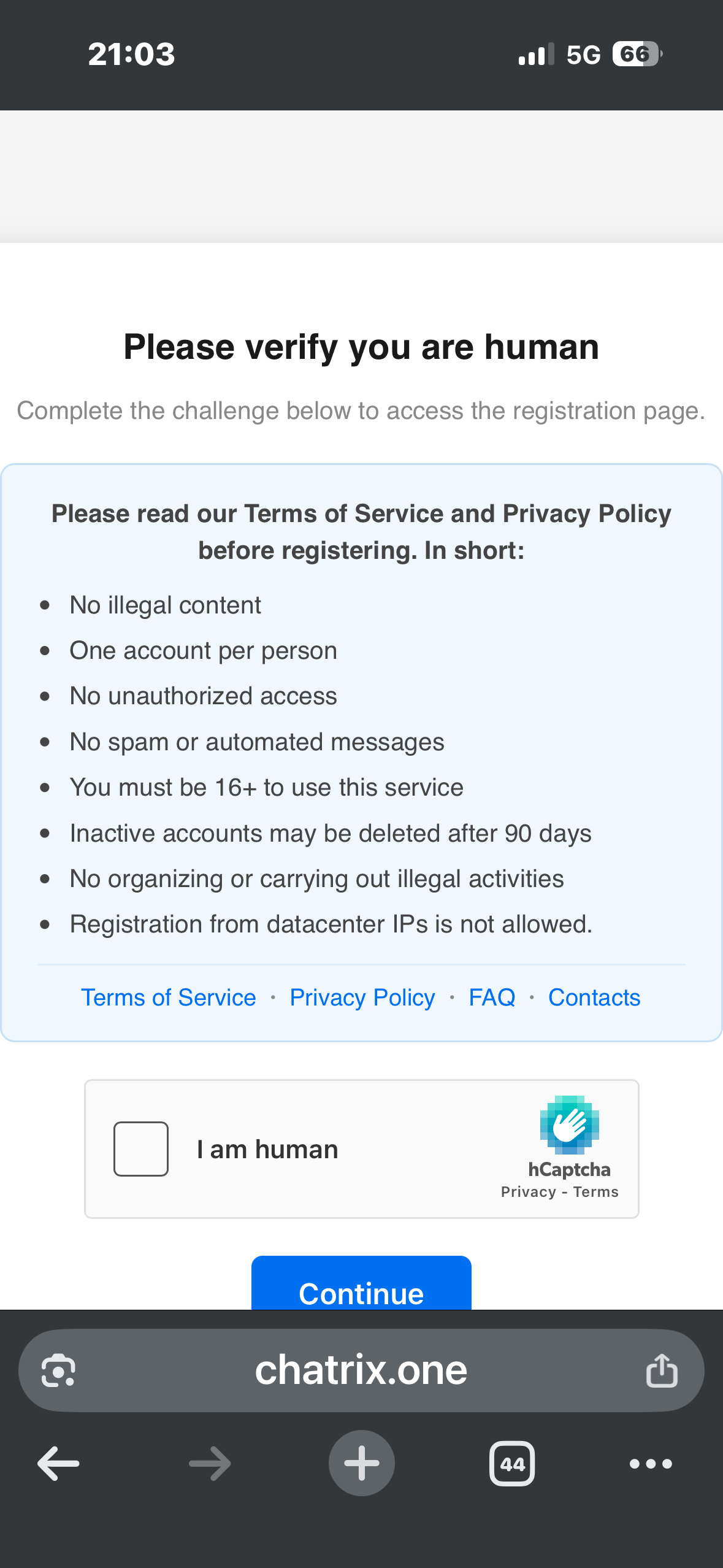
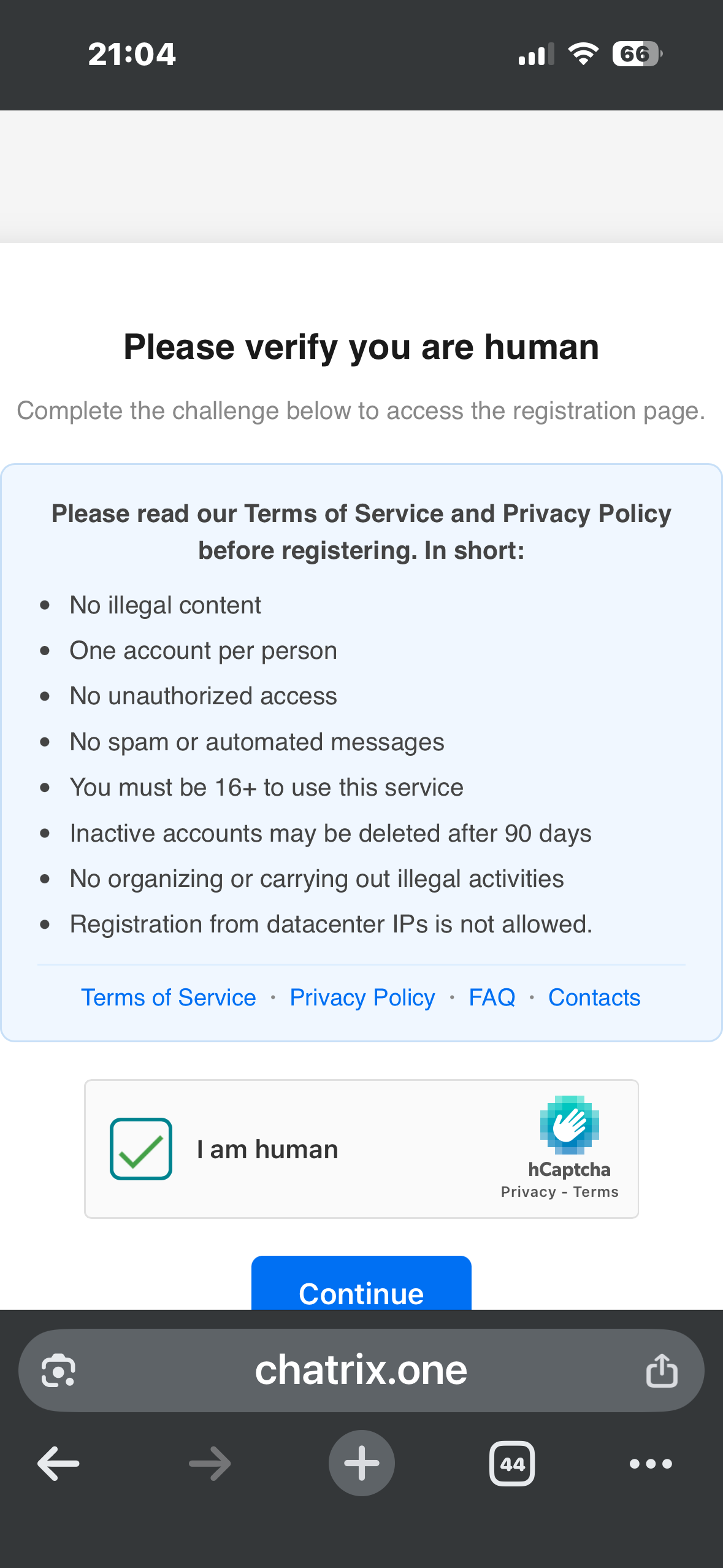
Open your browser, go to chatrix.one and tap Create an account. You will be asked to confirm you are human — tick the I am human box and tap Continue.
Step 2 - Select Monal and install it
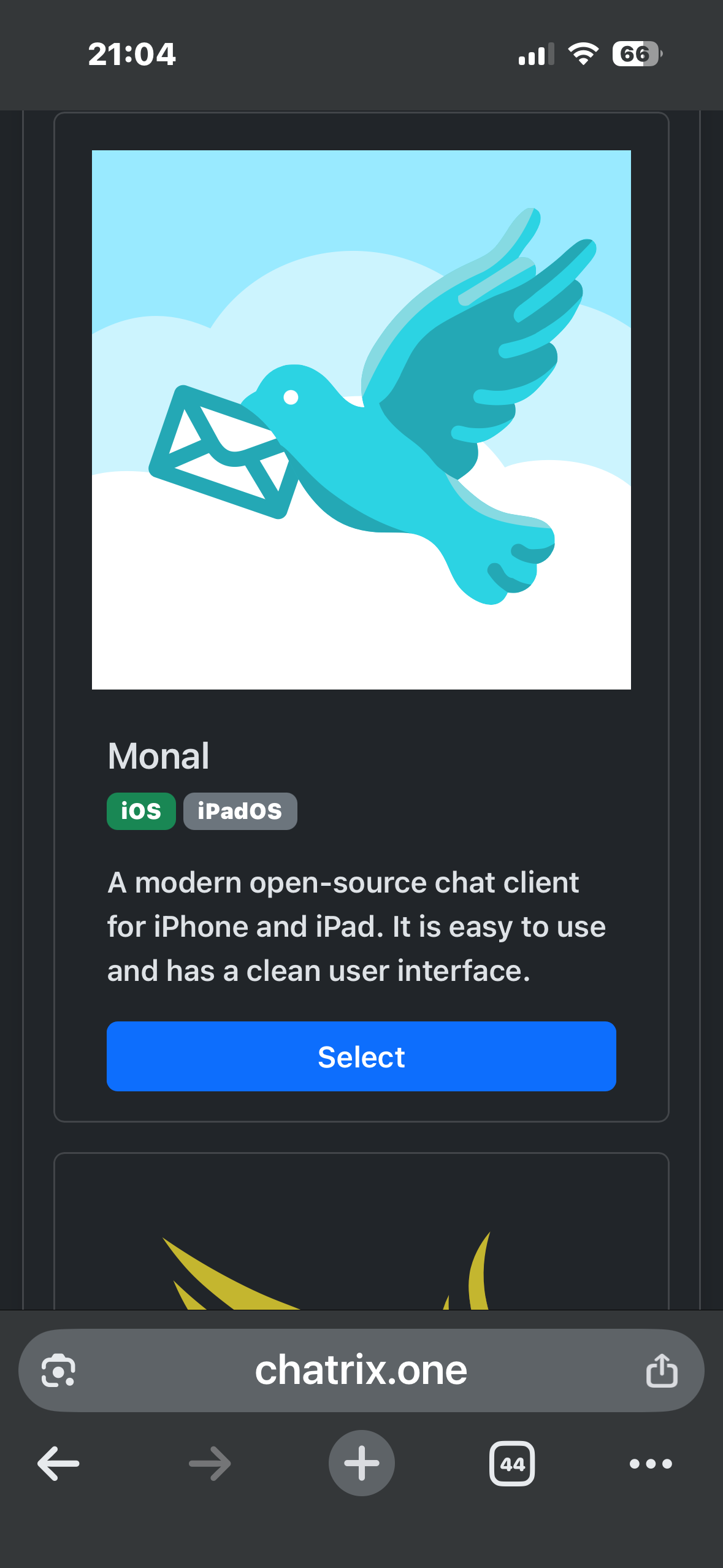
On the invite page, find Monal and tap Select. You will be taken to a two-step guide: first install the app from the App Store, then come back and accept the invite.
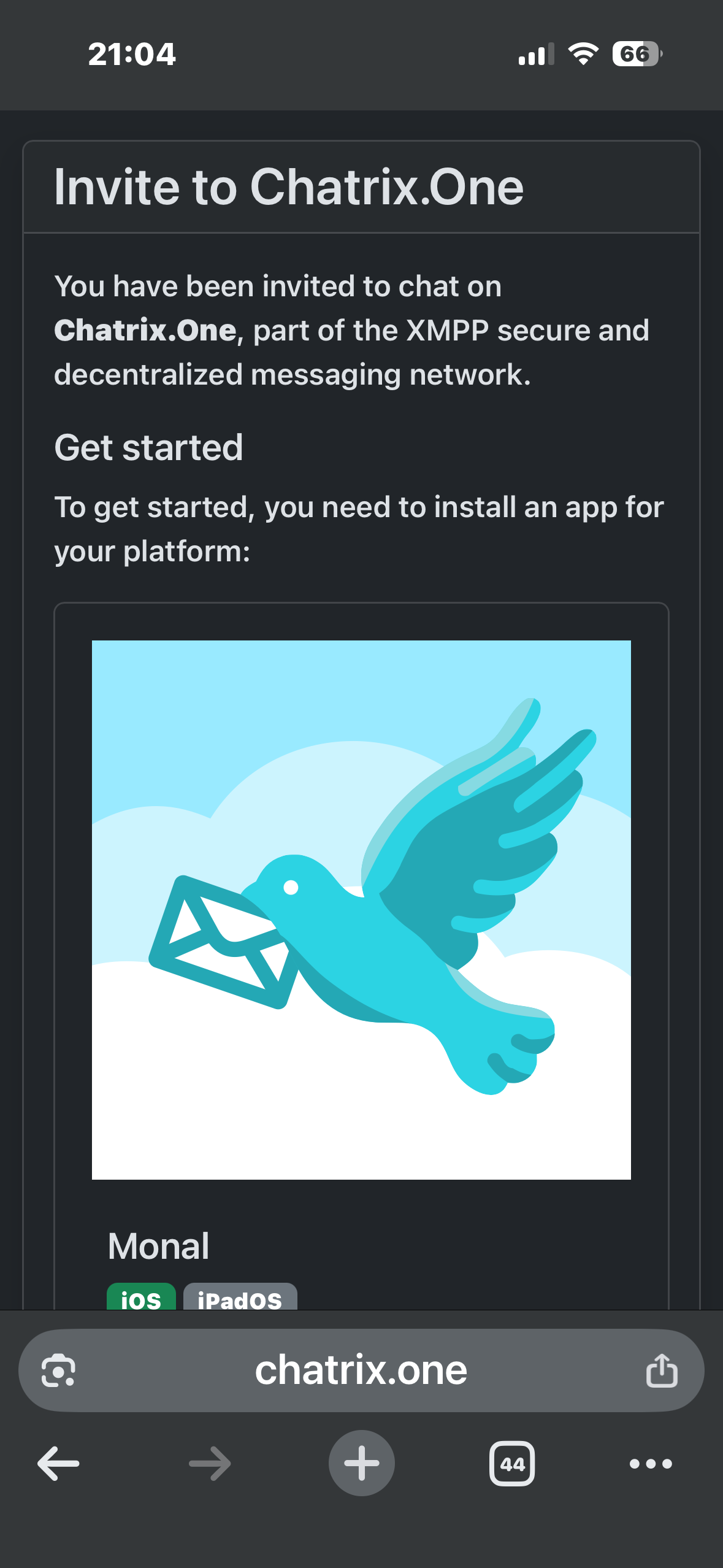
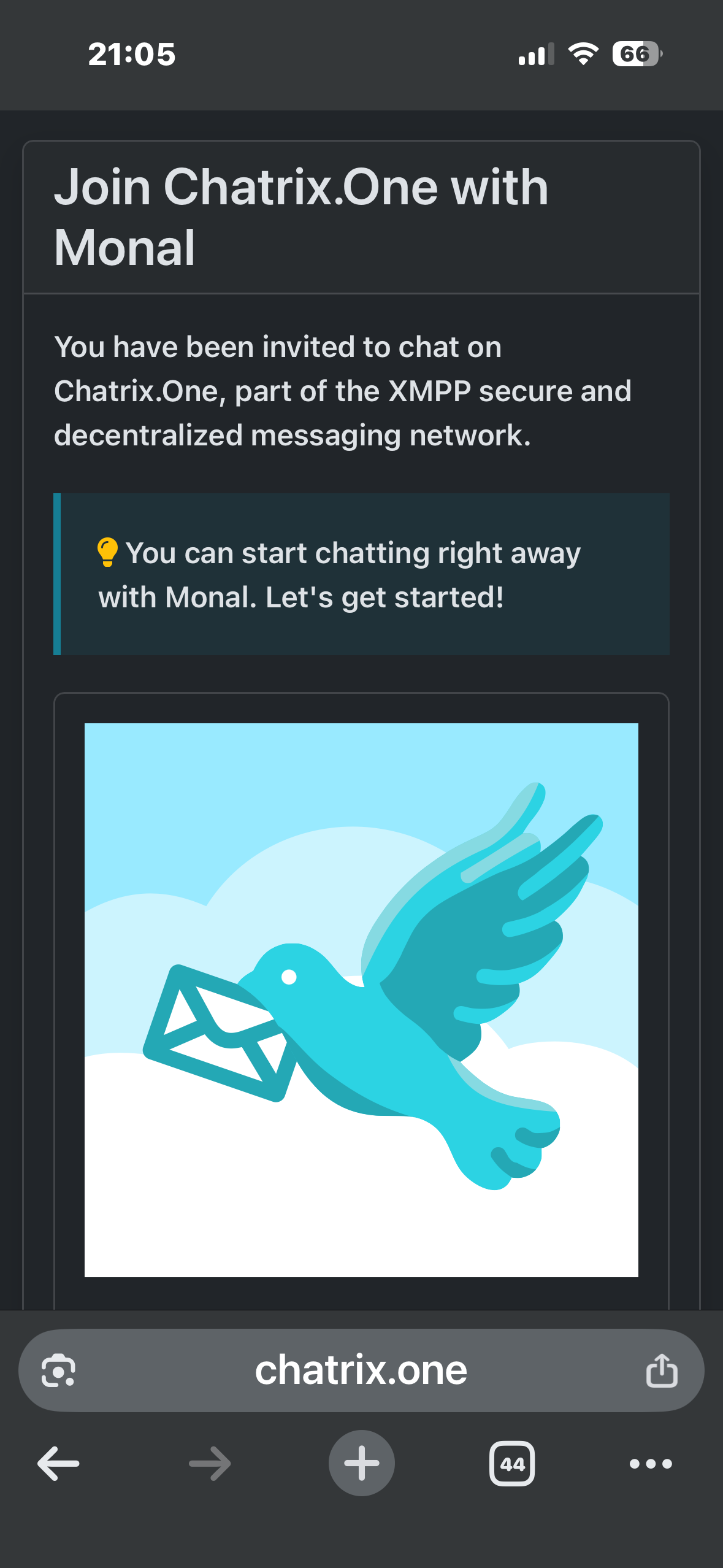
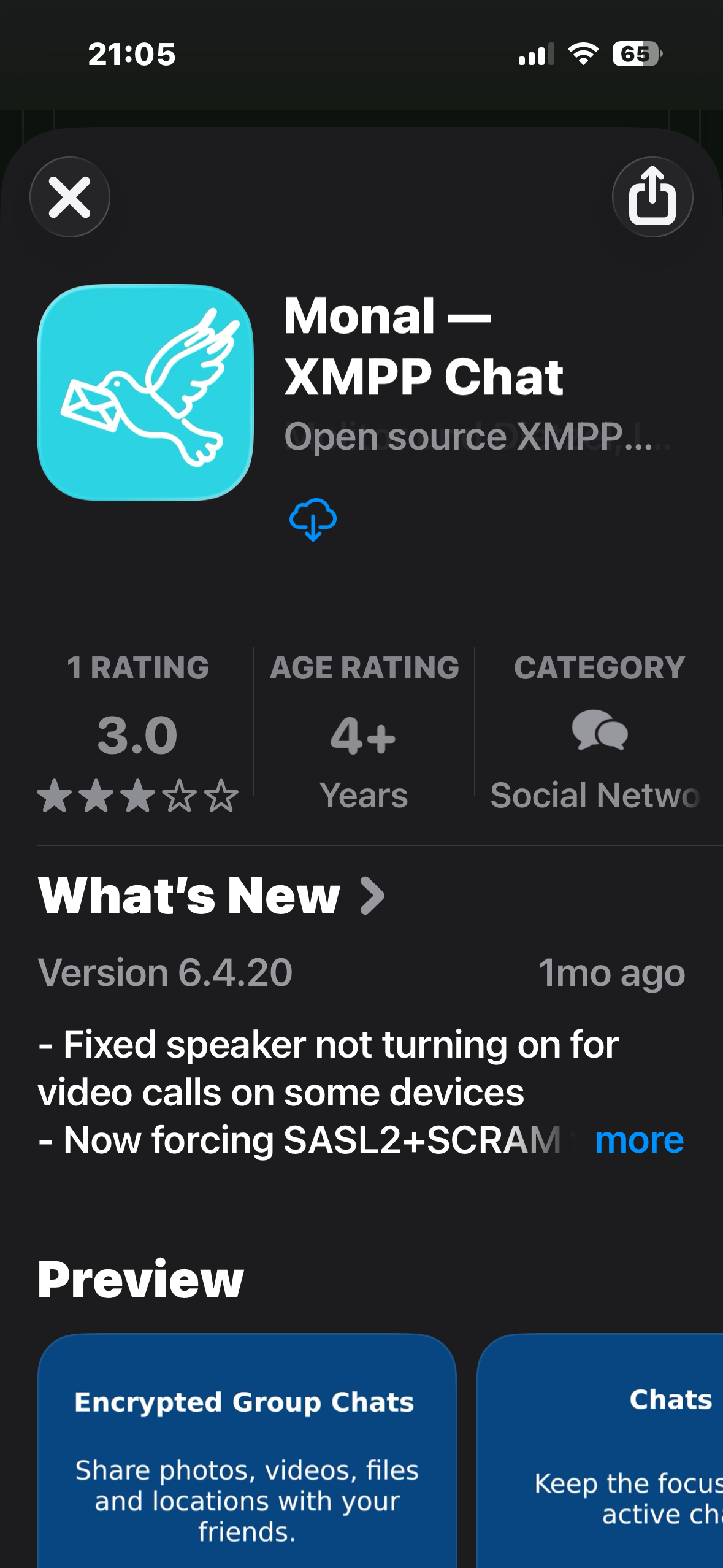
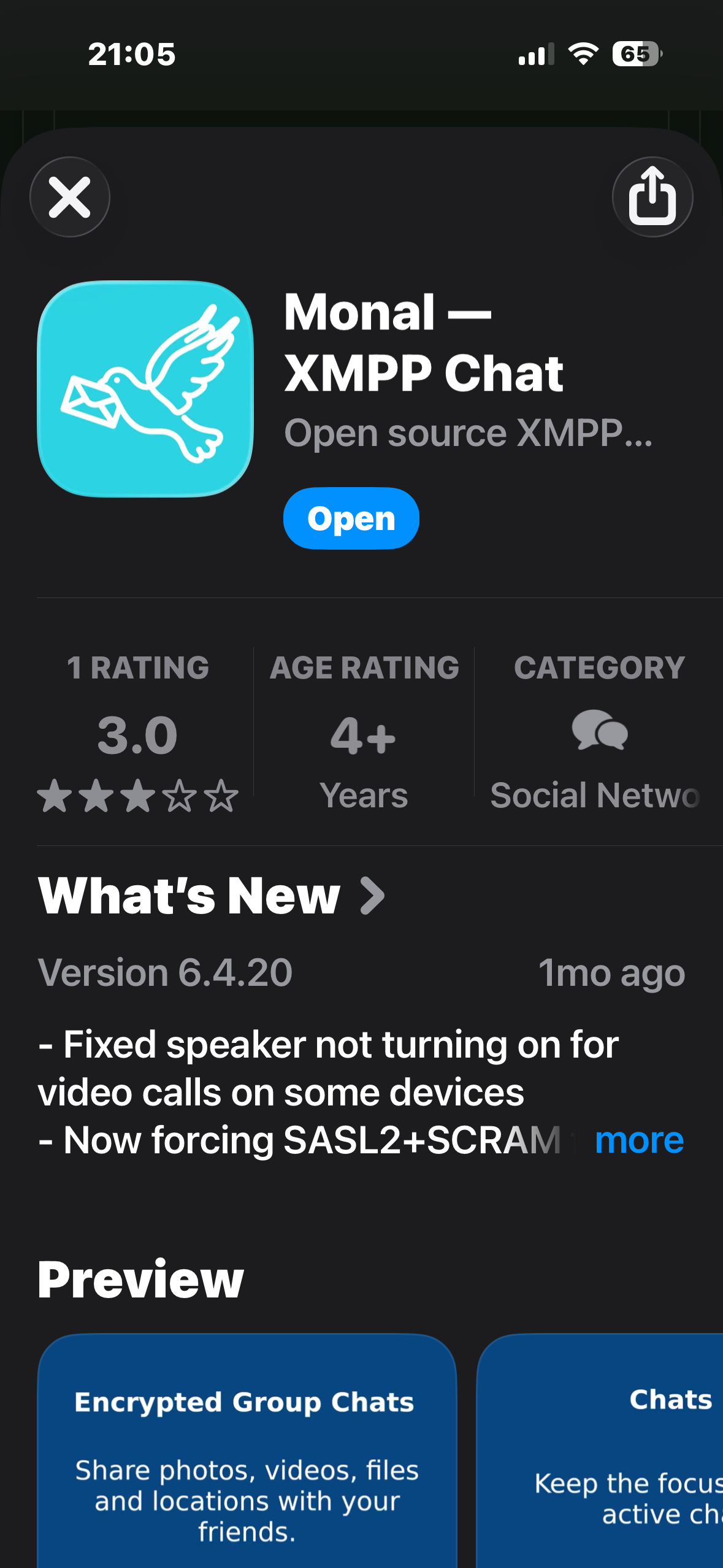
Tap Download on the App Store, install Monal, then come back to the browser and tap Accept invite using Monal.
Step 3 - Allow notifications and go through the intro
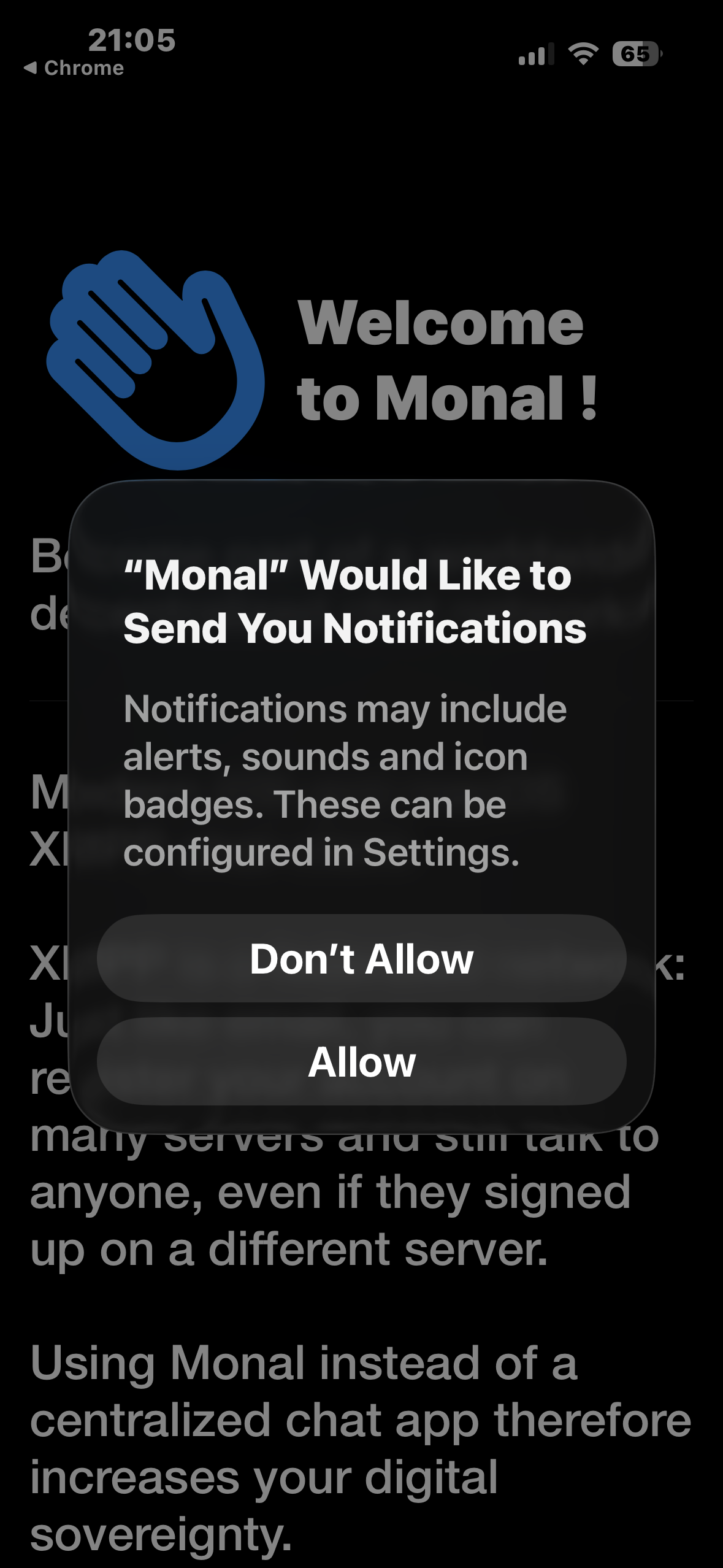
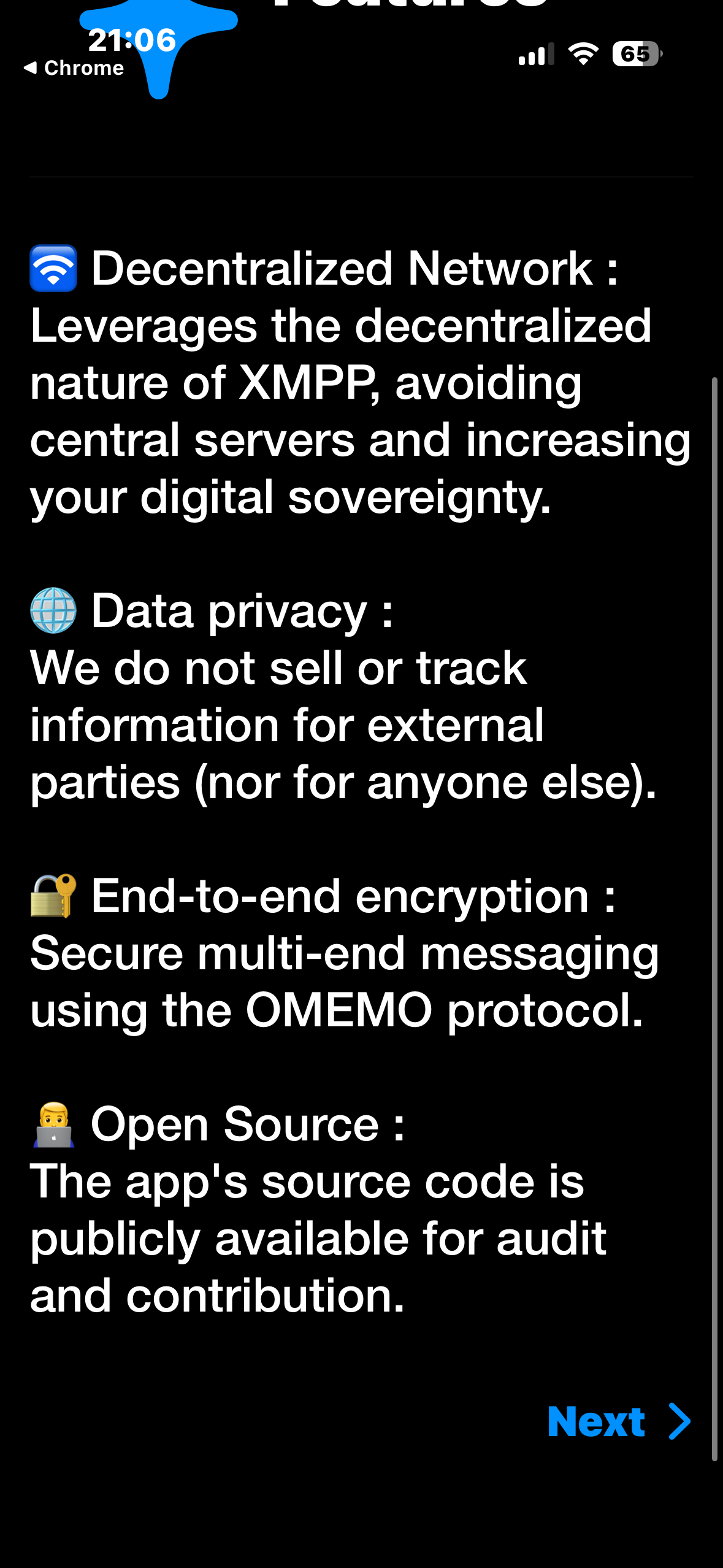
Monal opens and asks for notification permission. Tap Allow so you do not miss messages. Then swipe through the short welcome screens and tap Next.

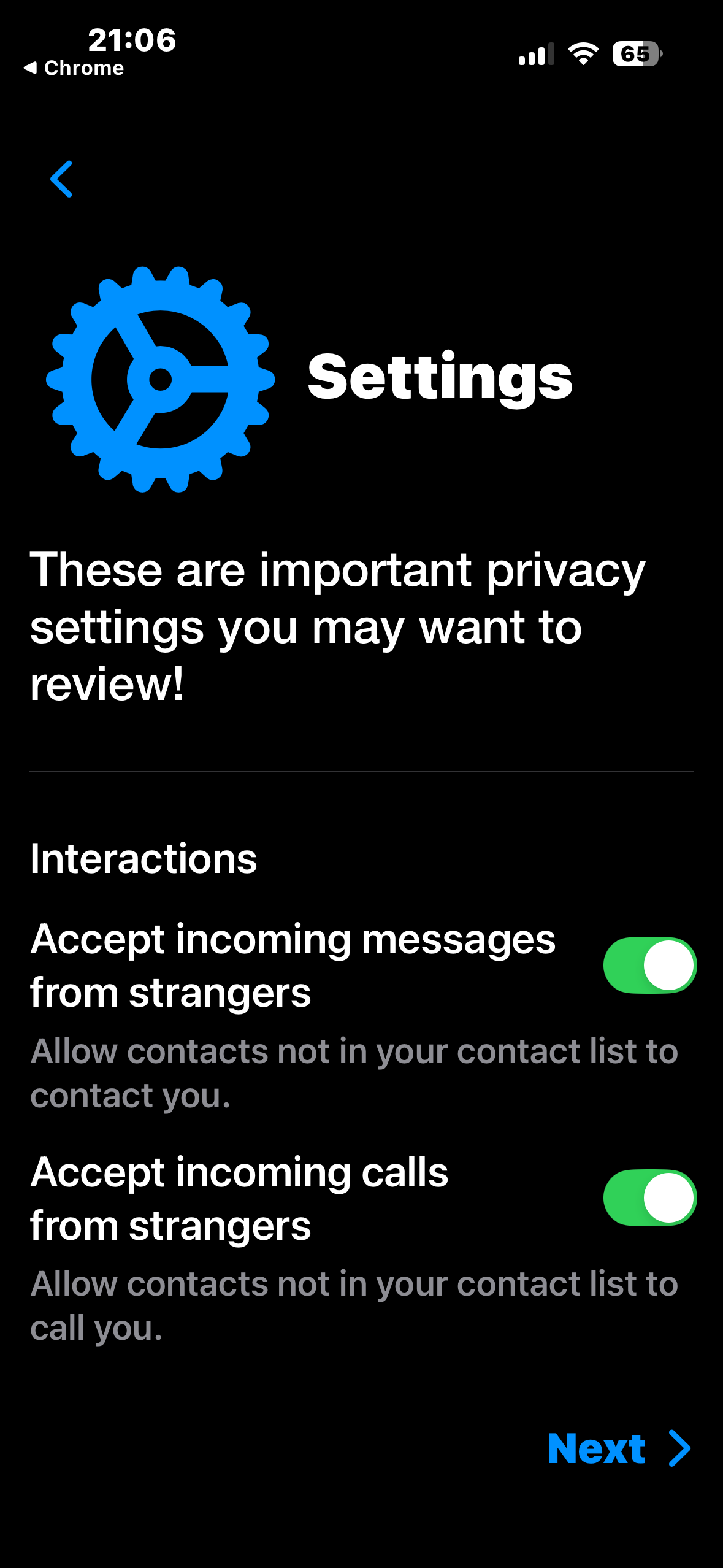
Step 4 - Review privacy settings
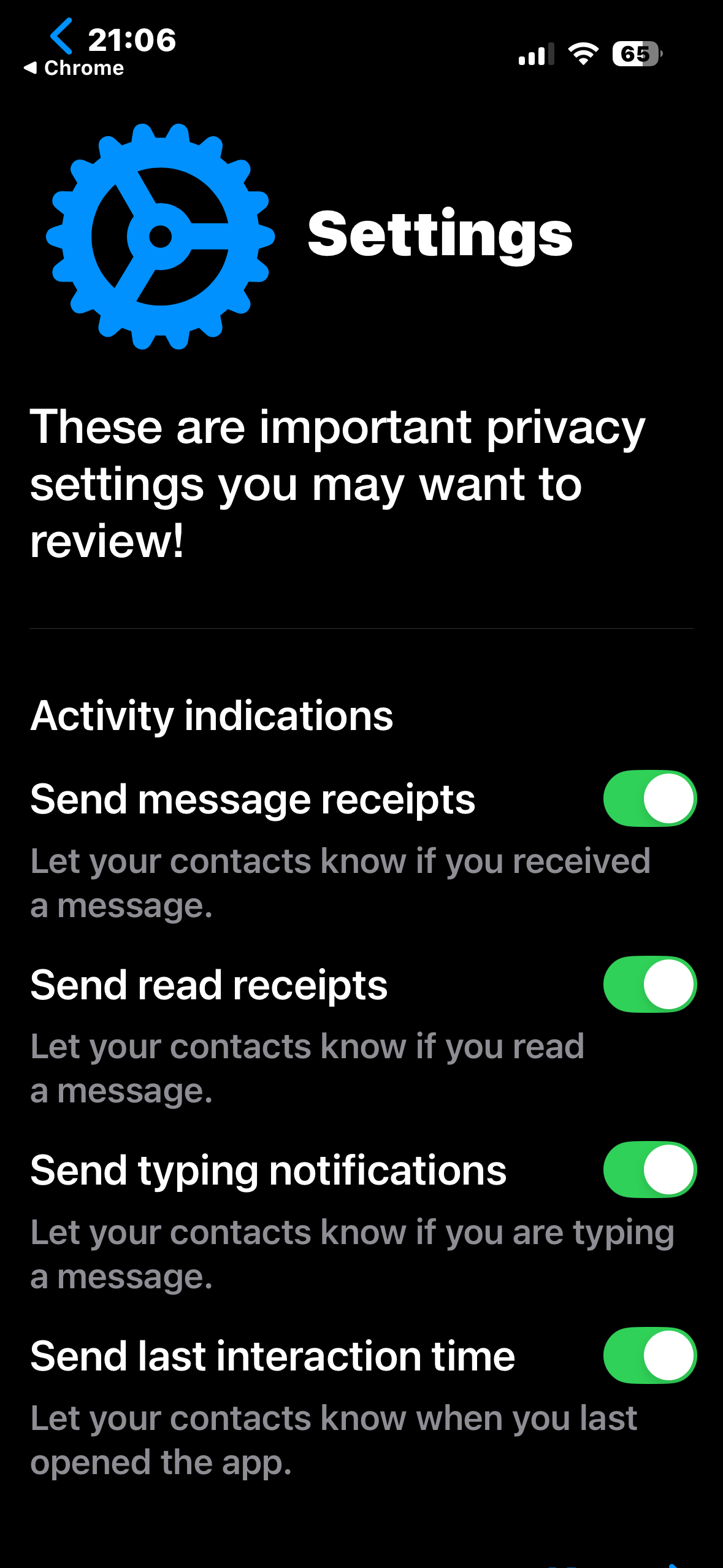
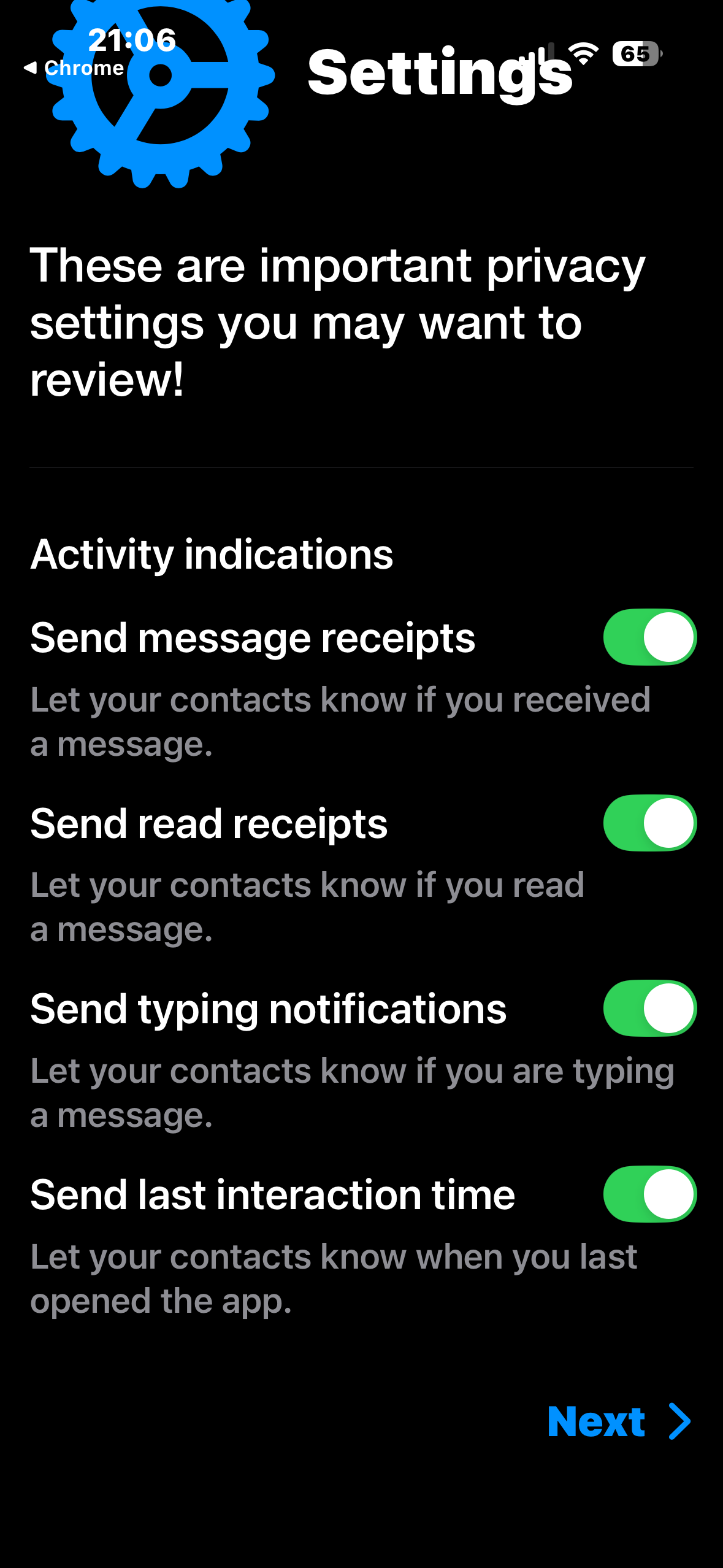
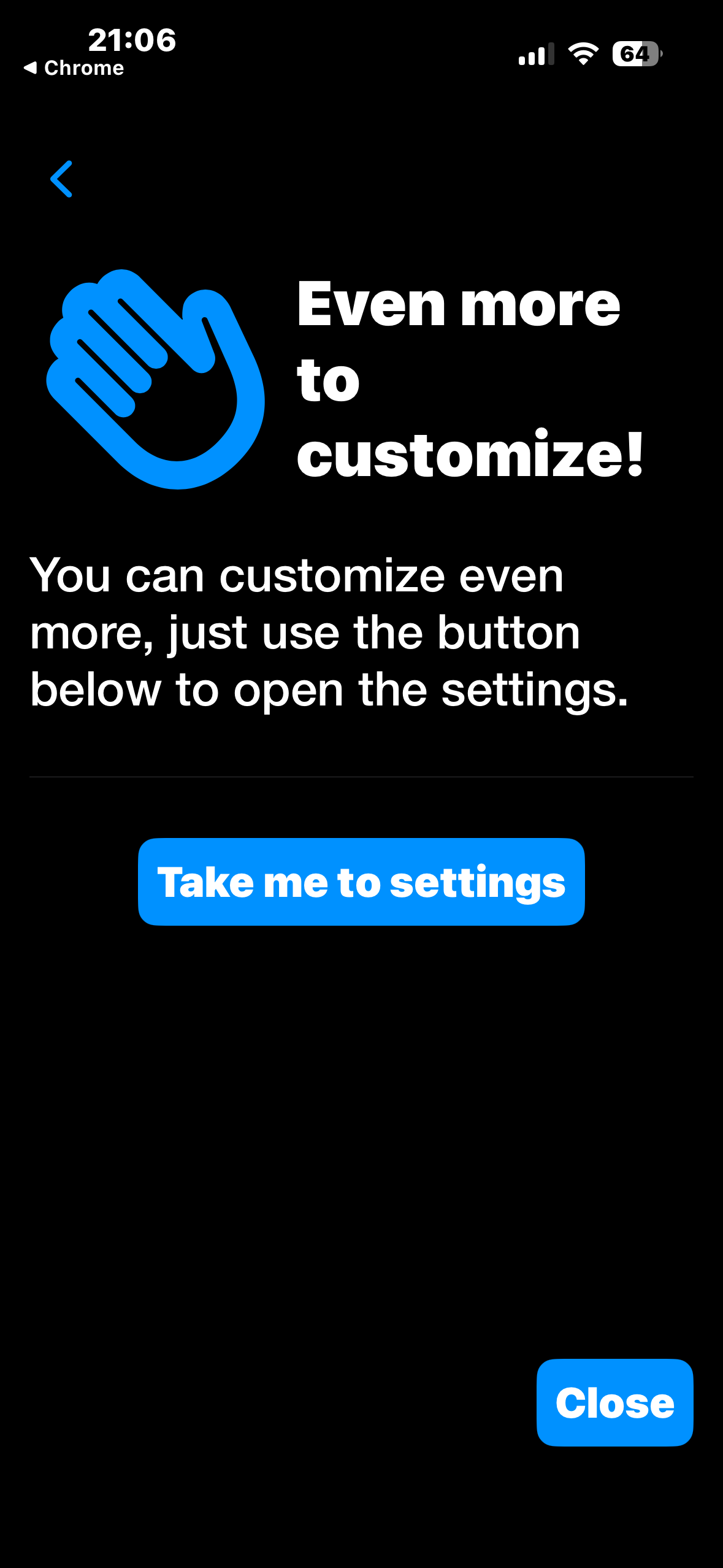
Monal shows a few privacy toggles. These control read receipts, typing notifications and who can contact you. Set them to your liking and tap Next through each screen. Tap Close on the last one.
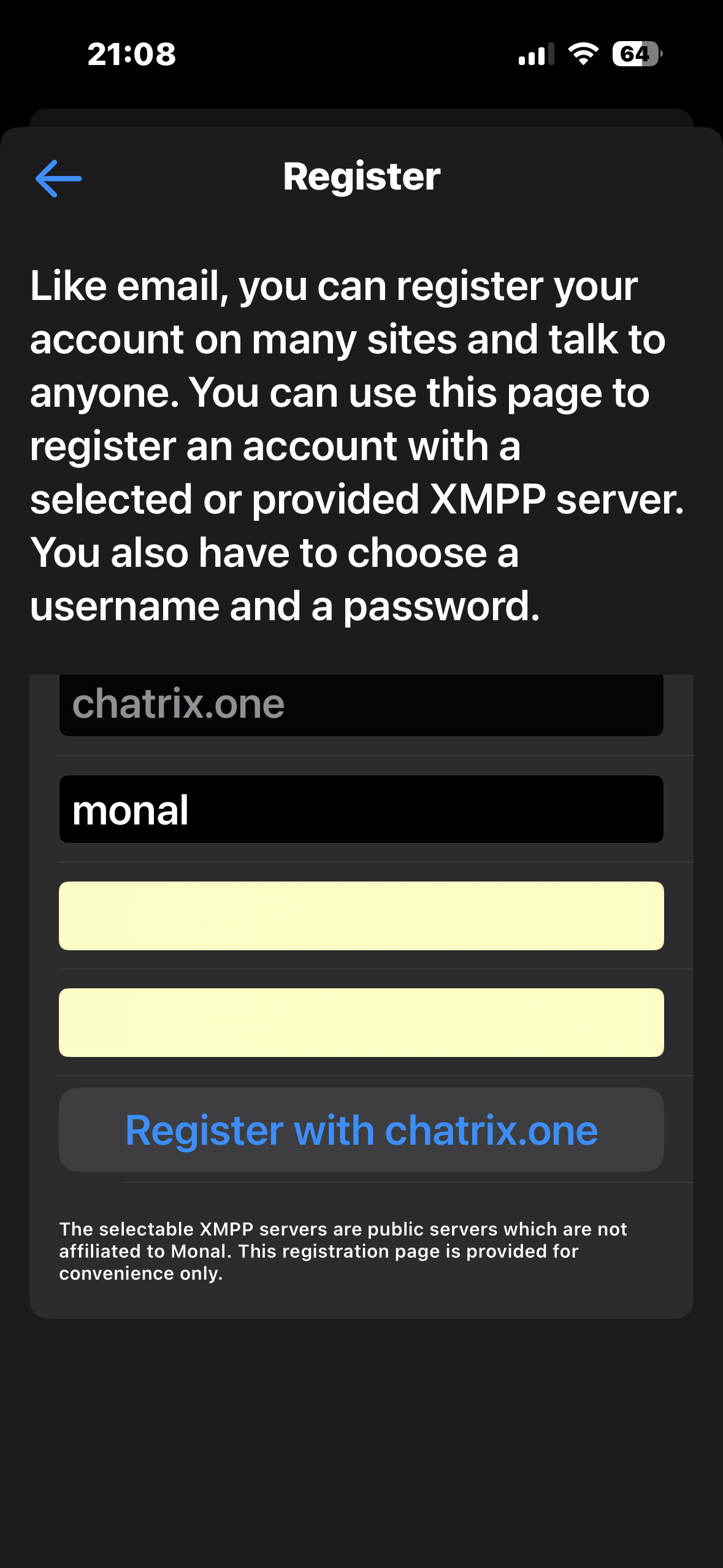
Step 5 - Register your account
You are now on the Welcome screen. Tap Register a new account. The server field is already set to chatrix.one. Pick a username and a strong password, then tap Register with chatrix.one.
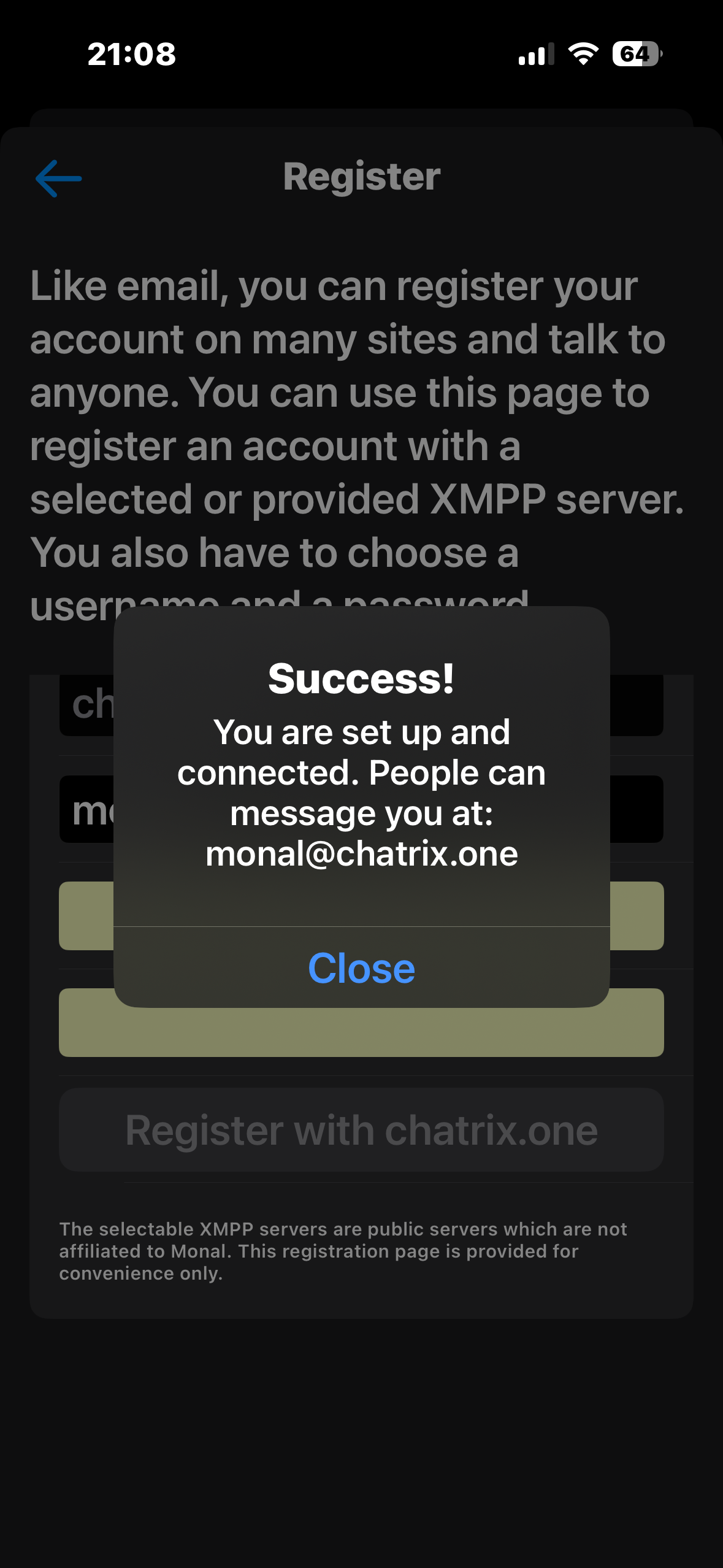
A Success! popup confirms your new address, something like yourname@chatrix.one. Tap Close.
Step 6 - Add a contact and start chatting
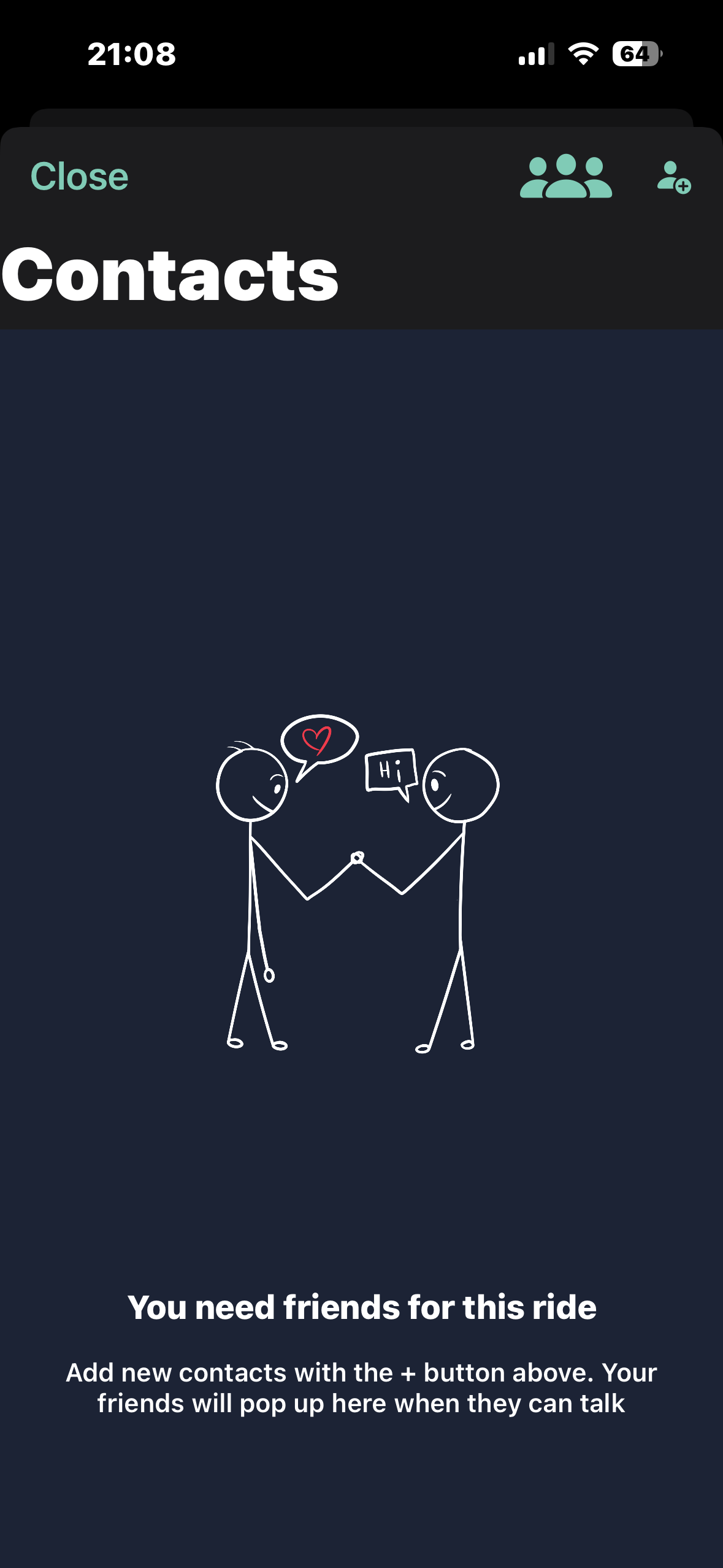
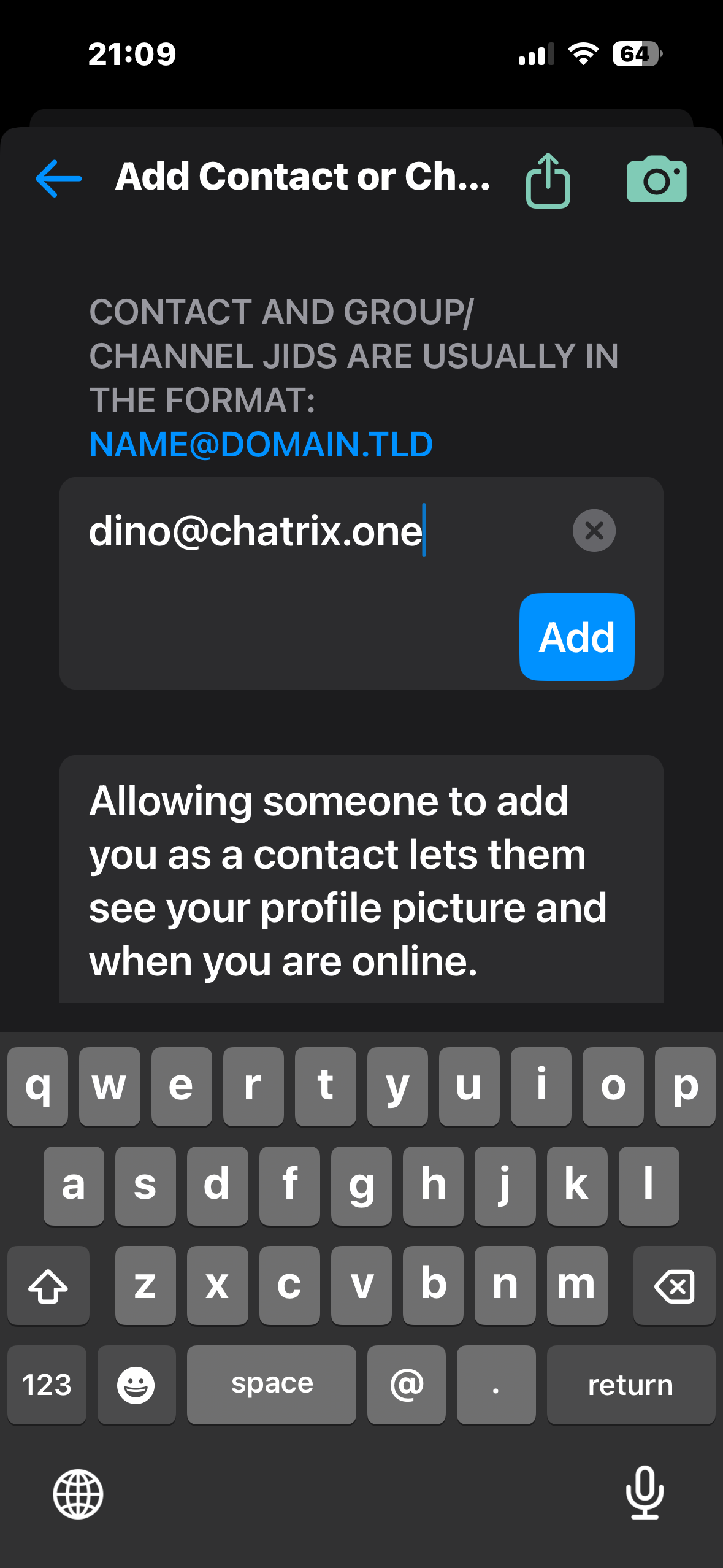
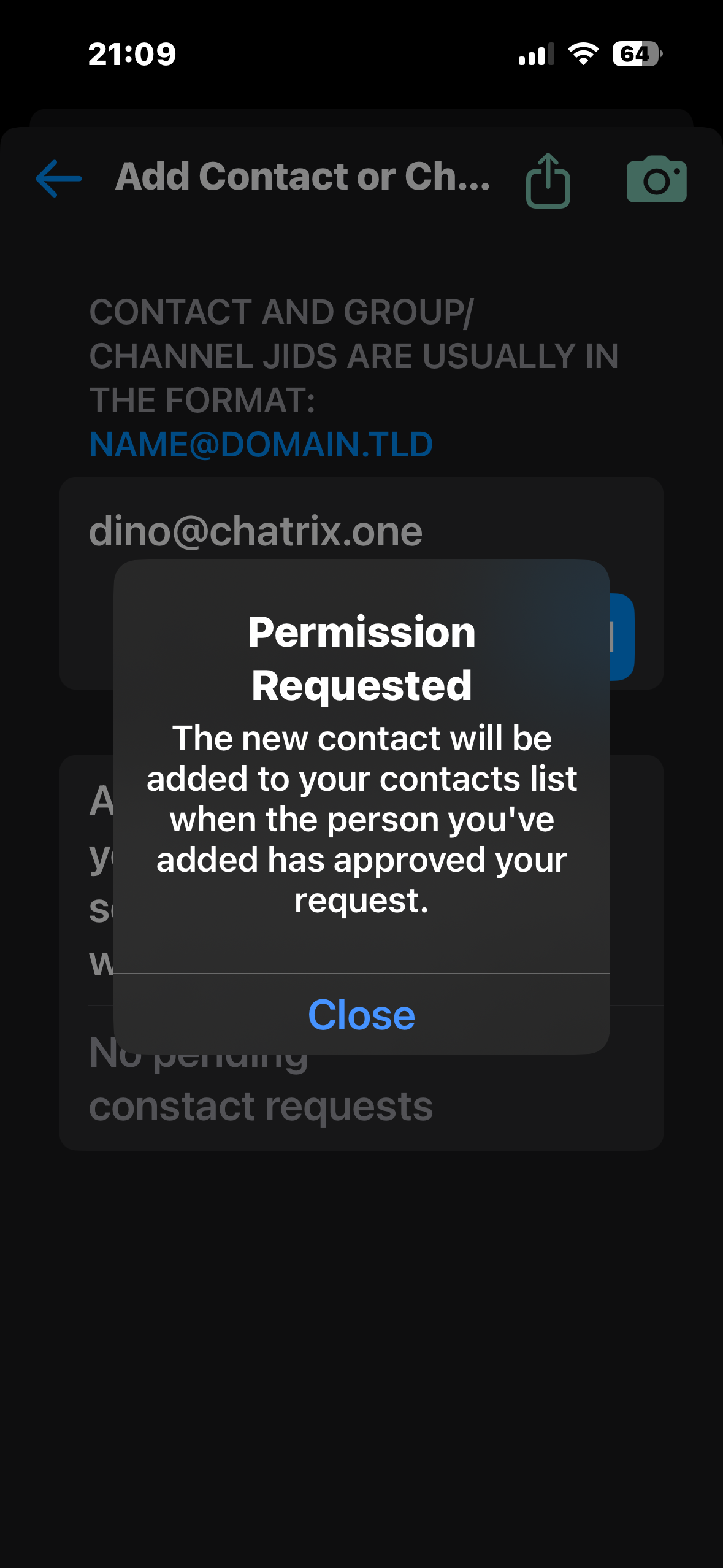
You land on the Chats screen. Tap the contacts icon (top right), then the + button to add someone. Type their XMPP address in the format name@server.tld and tap Add. A contact request is sent and once they accept it, you are ready to chat.

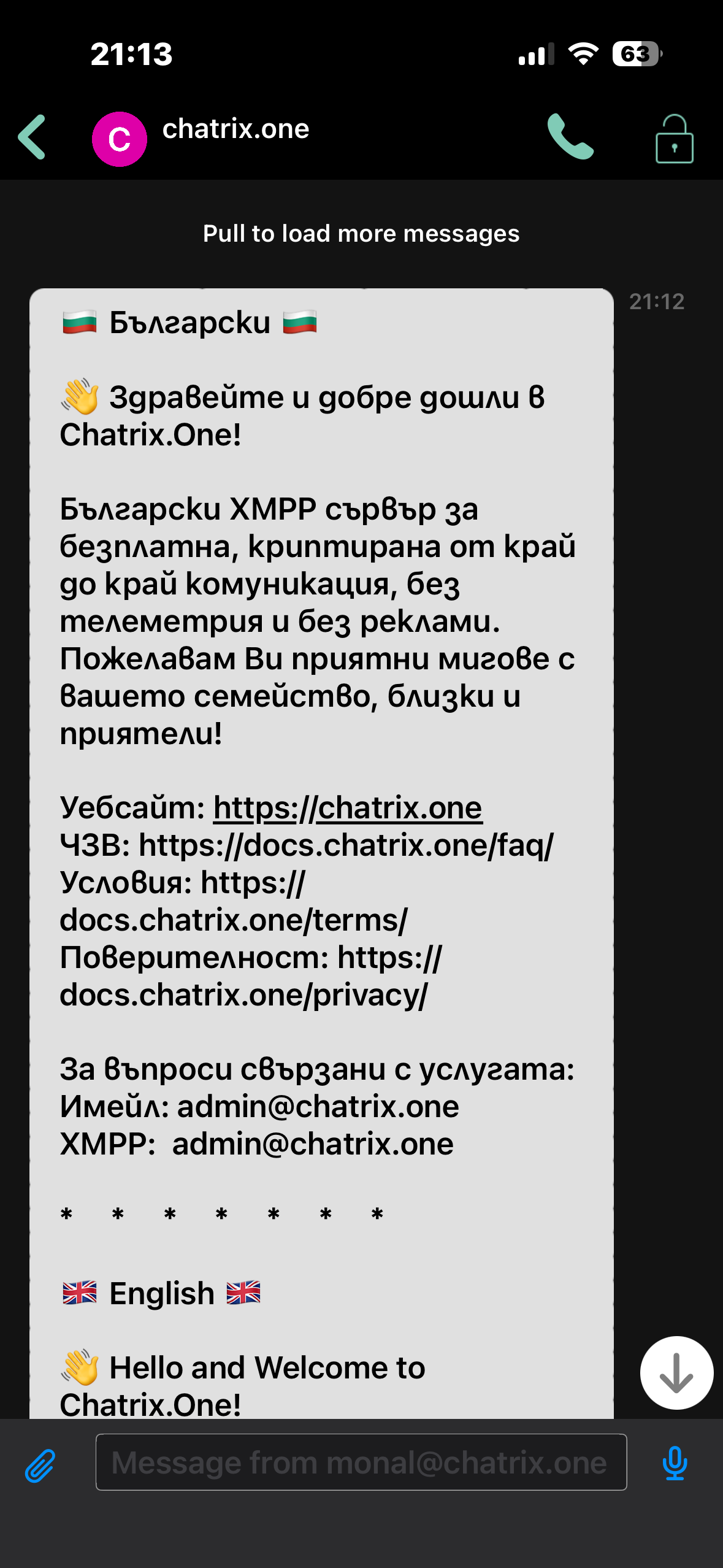
You will also find a welcome message from Chatrix.One in your chats with useful links and contact info.
That is it. You now have a free encrypted account on Chatrix.One and Monal running on your iPhone. No phone number, no email, no ads, no one reading your messages. If someone you know wants to join, send them to chatrix.one.
Questions? Reach the team at admin@chatrix.one