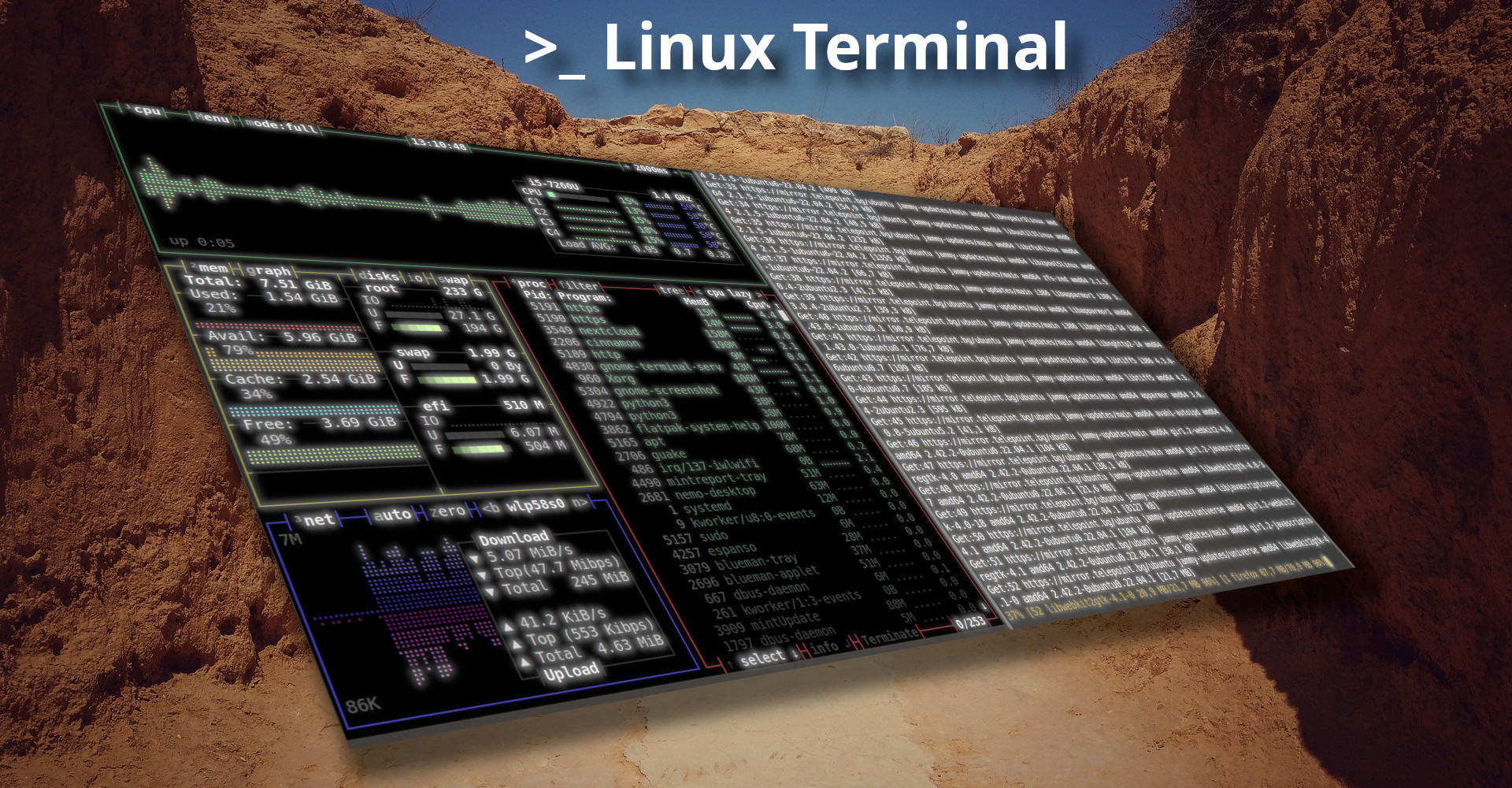
Once you have tasted the beauty and flexibility of the Linux command line (Linux CLI), also known as the terminal, it is hard to go back to the colourful programs in a graphical environment. System administrators spend a large part of their day staring at the Linux command line. For this reason, many of them prefer to make it look nicer and make their lives easier with additional tools that make the work faster, and why not — more fun.
Tmux - Terminal Multiplexer
Tmux is a terminal multiplexer that lets you create, access and control several terminals from a single screen. Tmux can be detached from the screen and continue running in the background, and you can reattach to it later. Terminal multiplexers are invaluable when you need to run a process that takes a long time. You do not have to wait around before moving on to other tasks, and even if the connection to the server drops, you can reattach later without losing your session.
Tmate - Share Your Terminal Over the Internet
Tmate lets you instantly share a live terminal session with anyone in the world. It supports access control through authentication and can be self-hosted, with all the features of Tmux.
Log Navigator - Log Viewer
Log Navigator — lnav — is an advanced terminal log file viewer. It provides an easy-to-use interface for monitoring and analysing log files with little or no setup. Just point lnav at your log files and it will automatically detect the format, index the content and display a combined view of all messages. You can navigate using various keyboard shortcuts, run commands for additional control over lnav’s behaviour, apply filters, bookmark messages and more.
Midnight Commander - File Manager
Hardly anyone who has touched Linux does not know Midnight Commander. It is an incredibly feature-rich file manager. Sometimes working with files and directories is just easier when you have a visual overview of the situation. Copying, moving, deleting and searching for files are just a tiny fraction of what it can do. It also has a built-in text editor.
Htop - Process Viewer
Simply an interactive way to see the running processes.
BPyTop - Enhanced Process Viewer
The same idea as htop, except here you also get a visual representation of network load. You can also customise the look with themes.
Glances - Resource Monitor with Web Interface and API
Glances is another resource monitor but with a different set of features. It includes a fully responsive web view, a REST API and historical data viewing. It is easy to extend and can be integrated with other services.
CTop - Container Monitoring
Like top, but for monitoring resource usage of running Docker and runC containers. Shows real-time CPU, memory and network usage, along with the name, status and ID of each container. It also has a built-in log viewer and management options (stop, start, exec, etc.).
Lazy Docker - Docker Container Manager
LazyDocker is a Docker management app that lets you browse all containers and images, manage their state, read logs, check resource usage, restart and restore, analyse layers, remove unused containers, images and volumes, and much more. It saves you from having to remember, type and chain together multiple Docker commands.
Lazy Git - Git Manager
LazyGit is a visual git client for the command line. It makes running commands, resolving conflicts, comparing, managing and performing complex operations much easier. There are keyboard shortcuts for everything. It is configurable and extensible.
ShellCheck - Finds Bugs in BASH Scripts
Points out and explains typical syntax issues that cause the shell to give cryptic error messages. Points out and explains typical mid-level semantic problems. Flags warnings that could cause an otherwise working script to fail.
TLDR - Improved Version of man
TLDR is a huge collection of web-based manual pages maintained by an enthusiastic community. Unlike traditional man pages, these are concise, contain practical usage examples and are nicely colour-coded for easy reading.
~ » tldr tldr

tldr
Displays simple help pages for command-line tools, from the tldr-pages project.More information: https://tldr.sh.

 - Show the tldr page for a command (hint: this is how you got here!):
   tldr {{command}}

 - Show the tldr page for cd, overriding the default platform:
   tldr -p {{android|linux|osx|sunos|windows}} {{cd}}

 - Show the tldr page for a subcommand:
   tldr {{git-checkout}}

 - Update local pages (if the client supports caching):
   tldr -u

~ »
GPing - Improved Version of ping
GPing can run ping tests against multiple hosts while displaying the results graphically in real time.
Speed Test CLI - Tests Your Internet Speed
SpeedTest-CLI simply runs a speed test of your internet connection against the speedtest.net server.
The Fuck - Automatically Corrects Wrong Commands
TheFuck is one of those utilities you cannot live without once you have tried it. Every time you type a wrong command and get an error, just run fuck and it will correct it automatically. Use ⇧ and ⇩ to pick a correction, or just run fuck --yeah to immediately execute the most likely command.
Dog - Improved Version of dig
Dog is an easy-to-use DNS lookup client with support for DoT and DoH, nicely coloured output and a JSON output option.
Zoxide - Improved Version of cd
Zoxide is a smarter version of the cd command, inspired by z and autojump. It remembers which directories you use most often so you can jump to them with just a few keystrokes.
Exa - Improved Version of ls
Exa is a modern replacement for arguably the most-used command line program for listing files — ls. It offers far more features and better defaults. It uses colours to distinguish file types and metadata. Symlinks, extended attributes and Git repositories are all clearly displayed. The program is small, fast and a single binary.
Duf - Improved Version of df
Duf is handy for displaying information about mounted disks and checking free space. It presents the information clearly and in colour, with options for sorting and customising the output.
Dua - Improved Version of du
Dua-CLI lets you interactively browse disk usage and available space for each mounted device, and makes it easy to free up storage.
Bat - Improved Version of cat
Bat is a cat clone with syntax highlighting and git integration. Written in Rust, it is very efficient and has several options for customising the output with themes. It supports automatic concatenation.
~ » bat .tmux.conf

───────┬────────────────────────────────────────────────────────────────────────────────
       │ File: .tmux.conf
───────┼────────────────────────────────────────────────────────────────────────────────
   1   │ # General settings
   2   │ set -g history-limit 20000
   3   │
   4   │ # Start index of window/pane with 1, because we're humans, not computers
   5   │ set -g base-index 1
   6   │ setw -g pane-base-index 1
   7   │
   8   │ # Remap prefix from 'C-b' to 'C-a'
   9   │ # unbind C-b
  10   │ # set-option -g prefix C-a
  11   │ # bind-key C-a send-prefix
  12   │
  13   │ # Set a new prefix / leader key.
  14   │ set -g prefix `
  15   │ bind ` send-prefix
  16   │
  17   │ # Split panes using | and -
  18   │ bind | split-window -h
  19   │ bind - split-window -v
  20   │ unbind '"'
  21   │ unbind %
:
FZF - Improved Version of find
FZF is an incredibly powerful and easy-to-use tool for finding and filtering files. It offers a wide range of search options and results appear instantly.
Figlet - Outputs Text in ASCII Format
Well, the title says it all. Just type the word or sentence you want to format. For example: figlet XMPP is Awesome!.
~ » figlet XMPP is Awesome!

__  ____  __ ____  ____    _
\ \/ /  \/  |  _ \|  _ \  (_)___
 \  /| |\/| | |_) | |_) | | / __|
 /  \| |  | |  __/|  __/  | \__ \
/_/\_\_|  |_|_|   |_|     |_|___/

    _                                         _
   / \__      _____  ___  ___  _ __ ___   ___| |
  / _ \ \ /\ / / _ \/ __|/ _ \| '_ ` _ \ / _ \ |
 / ___ \ V  V /  __/\__ \ (_) | | | | | |  __/_|
/_/   \_\_/\_/ \___||___/\___/|_| |_| |_|\___(_)

~ »
Browsh - Web Browser for the Terminal
Browsh is a modern, interactive text-based web browser. It supports both mouse and keyboard navigation and is surprisingly feature-rich for a purely terminal application.
Transfer.SH - Quick File Sharing
Transfer.SH makes uploading and sharing files really easy, straight from the command line. It is free, supports encryption, gives you a unique URL and can also be self-hosted.
DDGR - Search the Web from the Terminal
DDGR is like googler but for DuckDuckGo. It is fast, clean and simple. It supports instant answers, search completion, bang searches and advanced search. It respects your privacy by default and also supports an HTTPS proxy and works with Tor.
Mutt - Terminal Email Client
Mutt is a classic terminal email client for sending, reading and managing email. It supports all major email protocols and mailbox formats, allows file attachments, BCC/CC, threading, mailing lists and delivery status notifications.
Wttr.In - Weather Forecast
Wttr.in is a service that displays the weather in a format suitable for the command line. Just run curl https://wttr.in or curl https://wttr.in/Sofia to try it out. It has URL parameters to customise what is shown and how.
Weather report: Sofia, Bulgaria

      \   /     Clear
       .-.      -1(-3) °C
    ― (   ) ―   ← 6 km/h
       `-'      10 km
      /   \     0.0 mm
CMatrix - Matrix-Style Screensaver
Where would we be without a screensaver? For fans of the film “The Matrix”, just run cmatrix in the terminal. It has options for effects, colours, speed and fonts.

Is this the complete list? Not even close. There are plenty more tools out there, but with these at hand, life in the terminal is definitely more pleasant and more fun.